setting up LeechBlock NG
Originally published elsewhere.
I'm using LeechBlock NG to make myself bored again.
It's important that the extension be trustworthy because the browser permissions needed for functionality that blocks URLs are possibly dangerous.
First I went to Options and made list initial set of URLs.
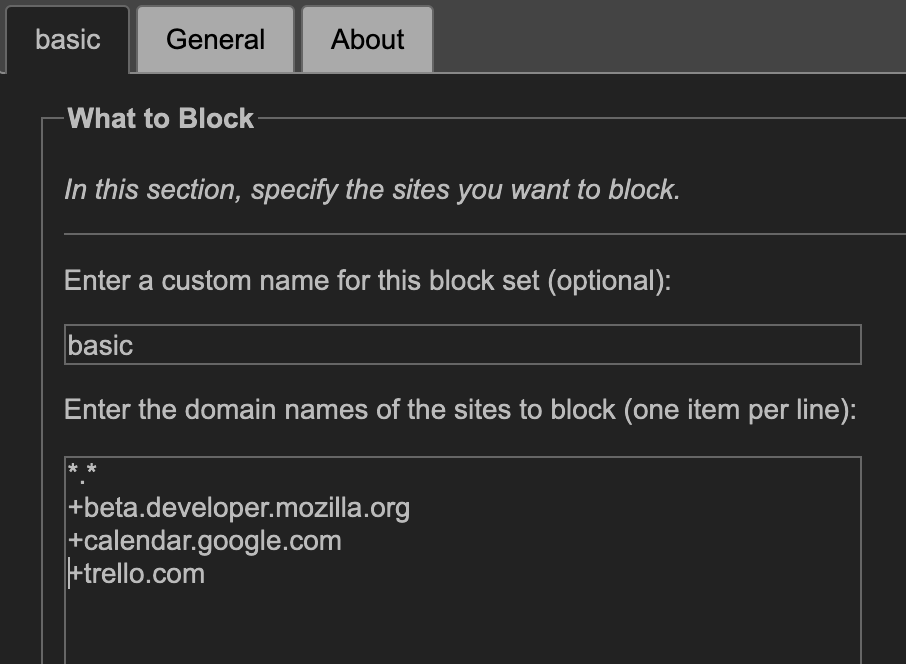
The *.* tells LeechBlock to block any site with any domain. Attempts to open google.com and duckduckgo.com will be stopped, as will manil.xyz and manil.space.
The + before a URL tells LeechBlock that this is a URL to be Allowed. I've whitelisted my calendar, my task management tool, and the web programmer's equivalent of the DSM 5. It's our primary source of reference and I think, if I find myself going down a rabbit hole in MDN, it can only be good for me ;-)
Then I told LeechBlock the times when I wanted these rules to be active.
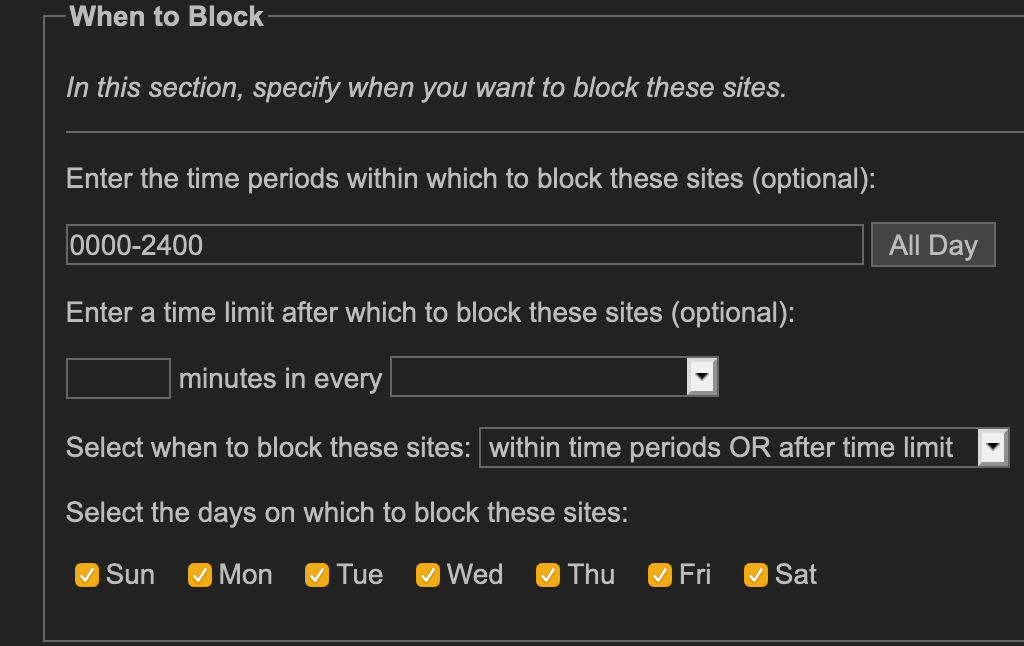
I set it to be active all-day, everyday.
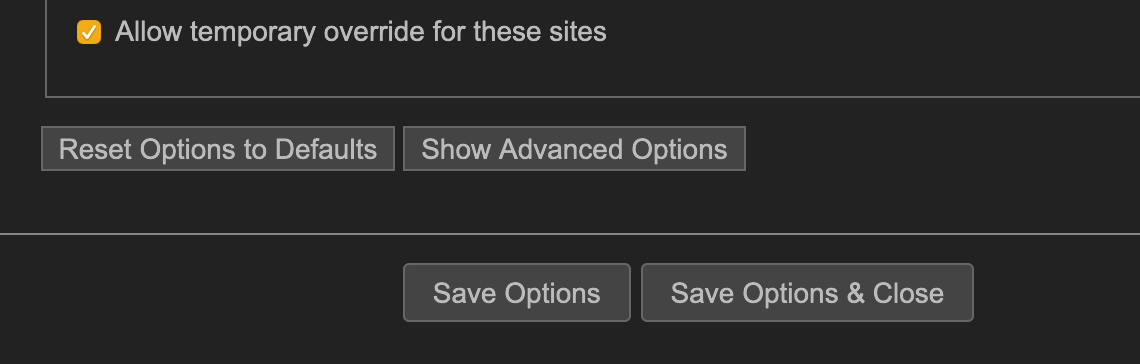
But I need to give myself windows when distractions are OK. After all, I do need time to move around information and triage my email at some point in a workday. So I allowed this whitelist to be disabled, with an Override.
Then went into the General tab, and set the length of Overrides to be 25 minutes.
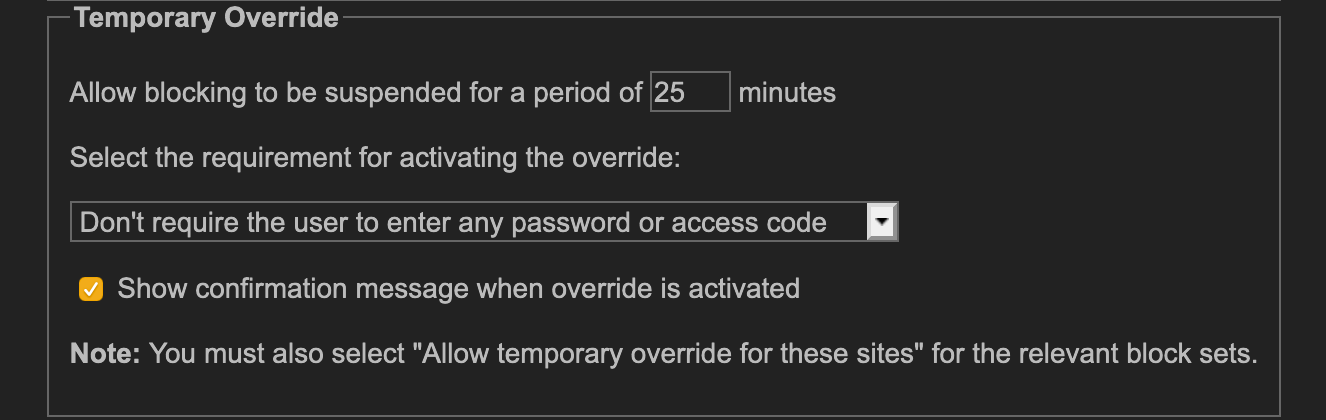
This lets me activate Overrides for windows of 25 minutes, so I can do shallow work.
Cal Newport's Deep Work tells me that, with limited amounts of time available for unfettered access to the internet, I am unlikely to use too much of it for purposes other than my shortlist of shallow work. I believe it.
The initial set of URLs in the whitelist was too restrictive, but I chose to grow it with deliberation instead of guessing what I needed ahead of time, to avoid being too liberal with my definition of what was necessary.
After some time, my whitelist now looks like this:
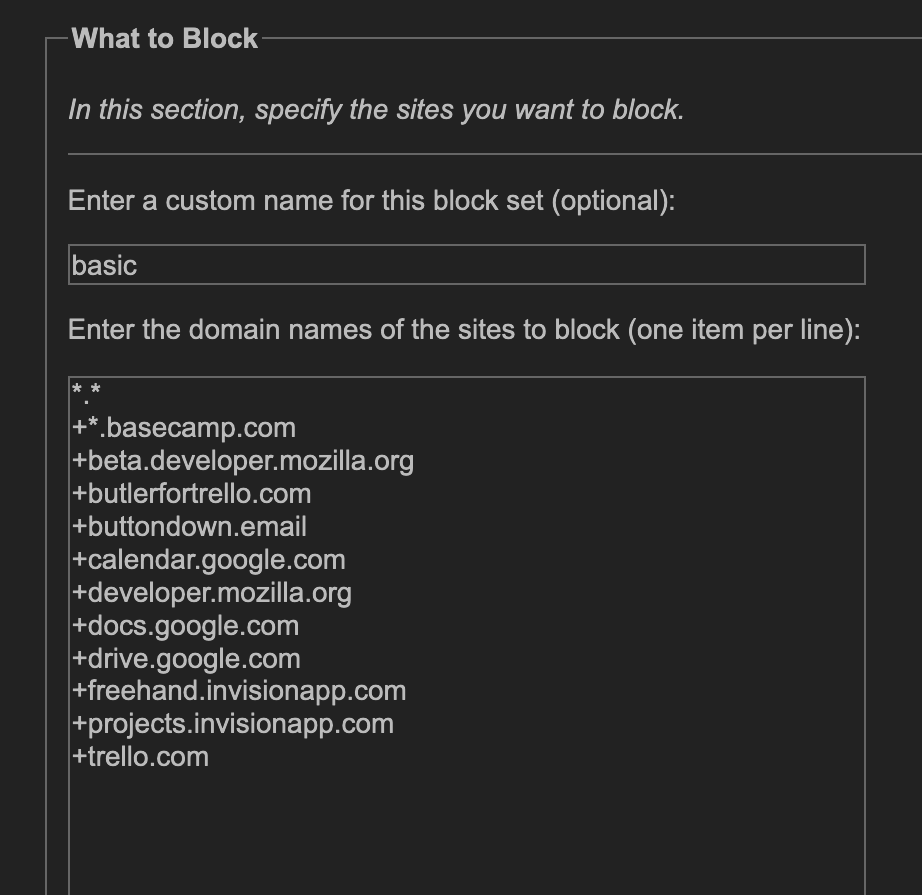
Let's see how long this works out.
2025-12-17
Haven't used Leechblock in ages. I don't think it fit how I operated.